Human-centered design systems and product experiences
Core services
01UI/UX Design02Web Development03Software Development042D/3D Experiences05App Development06AI Agents & Automation07Website DesignTechnical services
Frontend Engineering
React DevelopmentNext.js DevelopmentWeb ApplicationsEnterprise DashboardsSaaS PlatformsBackend & Infrastructure
API DevelopmentCloud InfrastructureDevOps & CI/CDBackend SystemsCustom SoftwareIndustries we serve
Technology & Software
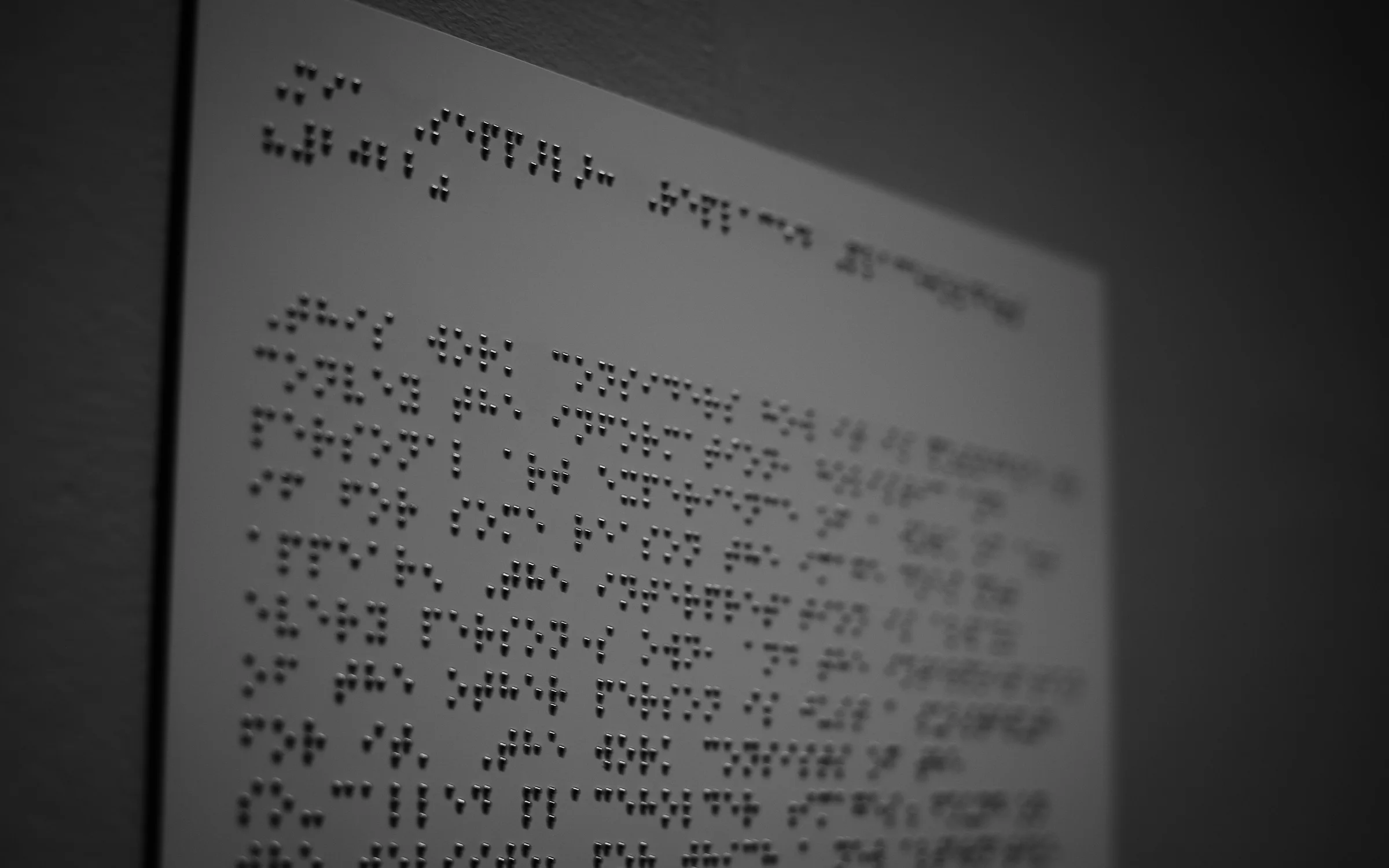
Website Accessibility Remediation
A WEBSITEEVERYONECAN USE
We find and fix the barriers that stop disabled people using your website, testing against WCAG with assistive technology and repairing the design, code and content so the fixes last.
Accessibility RemediationWhat we build
An overlay widget does not make a site accessible, because the barriers live in the code and content and have to be repaired there.
Removing the barriers in an existing website
- 01WCAG audit
- 02Code level fixes
- 03Screen reader testing
Accessibility remediation repairs a website so that people who use a keyboard, a screen reader, magnification or voice control can complete the same tasks as everyone else. We audit against the current WCAG success criteria at the level you need, rank the failures, fix them in templates and components, and retest each one.
It suits organizations that have received a complaint, face a legal or procurement requirement, or simply want their site to work for more people. We report what was tested, what was fixed and what remains. We do not issue blanket statements of compliance, since conformance depends on content your team keeps adding after we leave.
Talk to us about your projectCapabilities, End to End
Worked Out on Screen, Before It Is Built
Four of the things you will see in the design file while the work is under way. Where a card says try it, the drawing responds to clicks.
Issue register
Every failure with its criterion, location, severity and fix.
Keyboard path
Each journey completed from start to finish without a mouse.
Screen reader check
Pages read aloud in a sensible order with clear labels.
Open items
What still fails, why, and when it will be addressed.
From Kickoff to Launch
We settle which standard and level apply to you, choose the pages, templates and journeys that represent the site, and write a test plan that names the browsers, devices and assistive tools.
Each page in scope is tested by hand and by tool, failures are recorded against the criterion they break, and the list is ranked by how badly each one blocks a real task.
Fixes are made at the source in shared components, templates and styles, then in content, with each change reviewed by a second person and checked with the assistive technology that exposed it.
Every recorded failure is tested again, the report is updated with what passed and what remains open, and we draft an accessibility statement that says exactly that and no more.
Built for Teams Like Yours
What buyers ask before they start
If yours is not here, ask us directly. The first conversation is free and useful whether or not we work together.
Book a callWCAG at Level AA is the reference used by most laws, public buyers and courts, in version 2.1 or 2.2 depending on the rule that applies to you. Which rule that is depends on your country, sector and customers, and is a question for your legal adviser. We test against the version and level you confirm and record the choice in the report.
No. Overlay tools add a script that tries to patch pages in the browser. They cannot repair missing structure, broken keyboard paths or forms without labels, and many screen reader users report that they make sites harder to use. An overlay is not evidence that a site conforms to the standard. Lasting accessibility comes from correcting the templates, components and content themselves.
We do not issue certificates, and you should be cautious of anyone who does. We give you a report that states which pages were tested, against which criteria, with which tools, and what passed or failed on retest. That evidence is what a buyer, an auditor or a court will ask for. Conformance also has to be maintained as content changes.
Automated tools reliably detect a minority of accessibility failures, such as missing labels, low contrast and invalid markup. They cannot judge whether a description makes sense, whether focus moves logically or whether a task can be finished with a screen reader. We use tools to cover every page quickly and manual testing for the journeys that matter, and report both kinds of result.
It depends on what your team does next, which is why handover matters. Automated checks stay in the release process, editors receive rules for headings, links, images and documents, and designers get accessible versions of the components. We recommend a manual retest at agreed intervals and after large changes. Without that upkeep, new barriers appear as soon as the site is edited.