
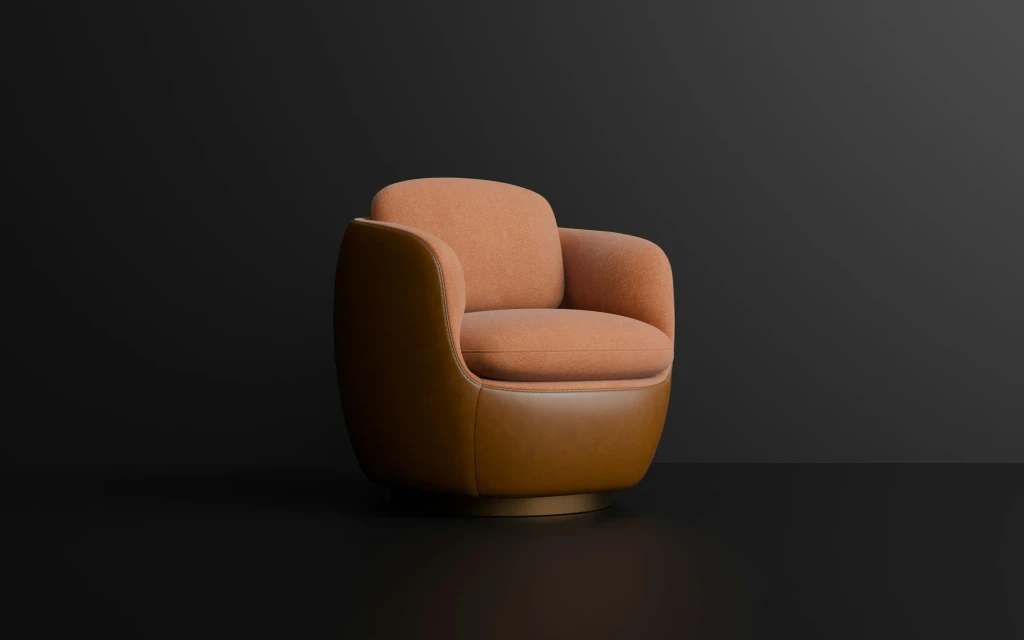
The three options
Product photography is a set of pictures, perhaps with a short video. Each variant you want to show has to be photographed or retouched. It is familiar, fast to load and convincing when the product is what it looks like.
A 3D product viewer displays a three-dimensional model in the page. The customer rotates it, zooms in and, on a phone, can often place it in their room through the camera. It shows one product, or a few fixed variants, from every angle.
A product configurator goes further. The customer chooses options, such as size, material, color and accessories, and the model and the price update as they go. Rules stop combinations that cannot be made. The result is a specific, orderable product.
The three at a glance
| Photography | 3D viewer | Configurator | |
|---|---|---|---|
| What the customer does | Looks | Turns, zooms, places in a room | Chooses options and sees the result |
| Variants | Each one shot or retouched | A few, switched by buttons | Many, combined by rules |
| What you must supply | The product and a studio | A 3D model per product | Models of every part, option rules and price logic |
| Price shown | Fixed, per variant | Fixed, per variant | Calculated from the choices |
| Connects to | The product page | The product page | Pricing, quoting, ordering and sometimes production |
| Keeping it current | Reshoot when the product changes | Update the model | Update models, rules and prices together |
| Best for | Simple products in few versions | Products people need to inspect | Products made or assembled to order |
When a viewer or a configurator fits
A 3D viewer fits when
- Shape, finish or scale decide the purchase
- Customers ask to see the back, the underside or the fittings
- The product is bulky or costly to ship as a sample
- There are only a handful of versions
- You already have CAD or 3D files of the product
A configurator fits when
- Options multiply into more versions than you could ever photograph
- The price depends on what is chosen
- Sales staff spend their time assembling quotes by hand
- Customers order combinations that cannot be built
- The product is made, cut or assembled to order
When photography is still the right answer
3D is not an upgrade for every product. Photographs remain the better choice when the product has a small, stable range, when its appeal is in texture, light or styling that a model would flatten, or when the catalog changes too fast for models to keep up. Food, fashion and anything sold on mood usually belong here.
The two also combine. Many stores keep styled photography for the first impression and add a viewer for inspection. Once a 3D model exists it can also produce the product pictures themselves, rendered in any color or setting without a new shoot, which is often the first saving a company sees from 3D.
What a configurator needs from your business
The visible part of a configurator is the smaller part. Most of the work is in the product knowledge behind it, and that knowledge has to come from you.
- Option rules. Which choices exist, which depend on others and which combinations are impossible.
- Price logic. How each option changes the price, including surcharges, sizes and quantity breaks.
- Models of the parts. Each component and material as a 3D asset light enough to load on a phone.
- A destination. Where a finished configuration goes: a cart, a quote request, your ERP or a bill of materials.
- An owner. Someone who updates options and prices when the range changes, without calling a developer.
If the rules live only in the heads of your sales team, writing them down is the first task, and it is valuable even before any software is built. Our 3D product configurator development page explains how we structure that work.
A worked example
A ceramics studio, a lighting brand and a kitchen maker
All three companies are invented.
- The ceramics studioSells 30 handmade pieces. Glaze and light are the appeal, and the range changes every season.
- Its decisionPhotography. A model would lose what makes the pieces attractive and would be out of date in months.
- The lighting brandSells 12 designer lamps in three finishes. Buyers want to see proportions and how the lamp looks in a room.
- Its decisionA 3D viewer with finish buttons and room placement on phones. The range is small and inspection is what buyers lack.
- The kitchen makerBuilds fitted kitchens from 200 cabinet types, 40 fronts and many worktops. Every quote is drawn by hand.
- Its decisionA configurator connected to pricing. Customers and showroom staff assemble a kitchen, see the price move and send the result as a quote request.
Three products, three answers. The deciding factor each time was how many versions exist and whether the price depends on the choices.
A checklist to decide
Tick what is true for the product you have in mind. Ticks in the first two favor photography, the middle three a viewer, and the last three a configurator.
Photos, viewer or configurator
0 of 8 checkedWhat to do next
Count the versions of your product that a customer can order, and note whether the price changes with the choices. A handful at fixed prices points to photography or a viewer. Hundreds with calculated prices points to a configurator. Send us the range and how you quote today, and we will tell you which we would build and what it would need from you.
Common questions
Is 3D worth it for a small catalog?
It can be, if the products are ones people want to examine before buying, such as furniture, equipment or lighting. A viewer for a dozen products is a contained project, and the models can also generate product images. For a small catalog of items sold on styling or texture, good photography will usually do more for less.
Do we need CAD files to build a viewer or configurator?
They help a great deal, because engineering files already describe the exact geometry. They are usually too heavy for the web as they are, so they are simplified and given realistic materials. Where no files exist, models can be built from drawings, photographs or a scan of the product. Ask early which of your products have usable files.
Will a 3D viewer or configurator slow our site down?
Not if it is built with care. Models are optimized to load quickly, the 3D part starts only when the customer reaches it, and a still image is shown first. Phones are the test that matters, so performance should be measured on mid-range devices over a mobile connection, with a target agreed before the build.
Can a configurator send orders to our systems?
Yes, and that is where much of its value lies. A finished configuration can become a cart line, a quote in your CRM or an order with a bill of materials in your ERP. The connection depends on what those systems accept. Our comparison of a custom integration and an existing connector covers how to plan it.